Assignments
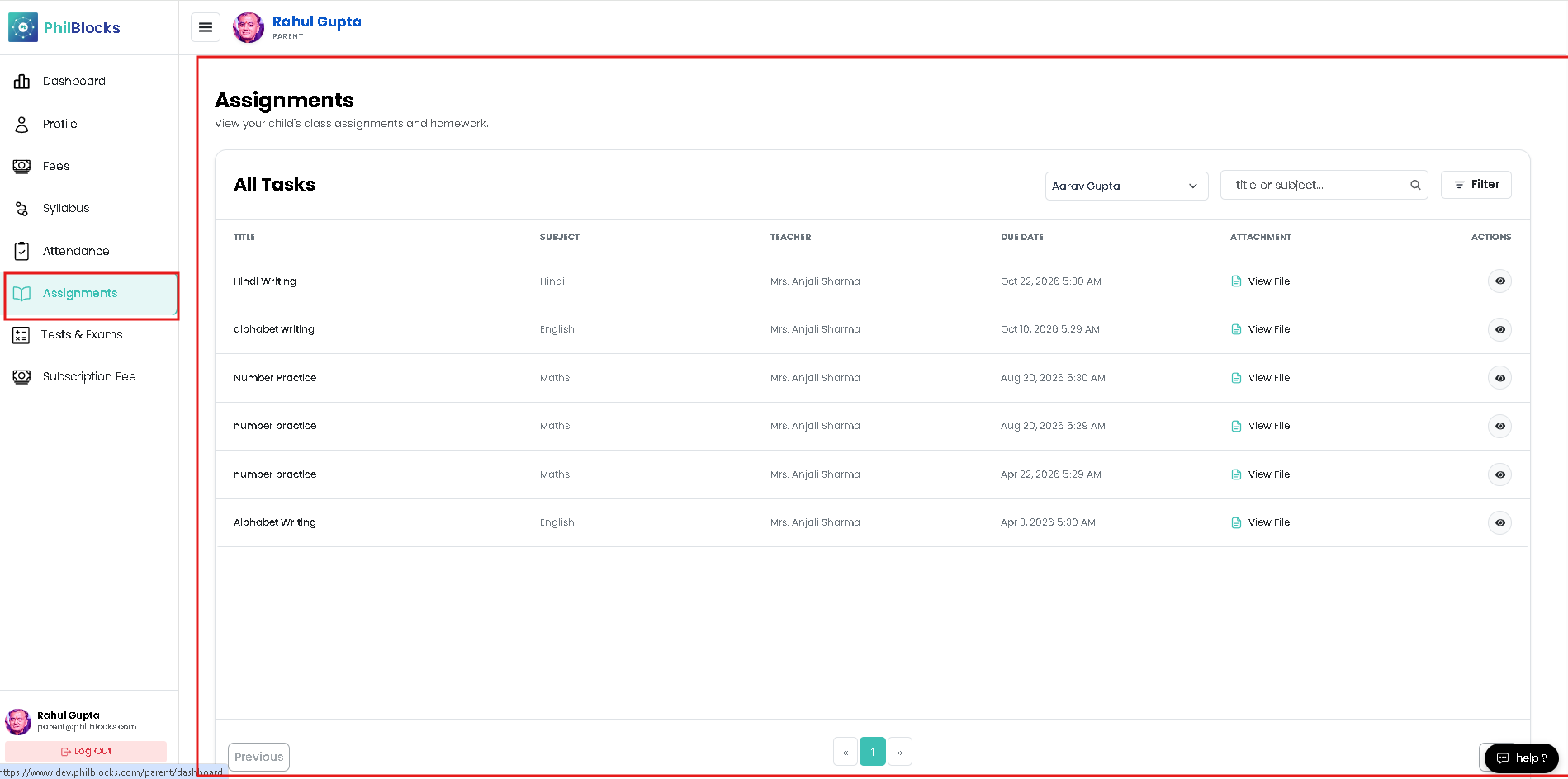
Follow these steps to monitor your child’s homework and assignments.
- Open Assignments from the sidebar.
- Review the current list of tasks and due dates.
- Check the assignment status for each item:
- Active
- Submitted
- Overdue
- Click View to open assignment details.
- Help your child complete work before the deadline.
Assignment page includes
- Task title, class, subject, due date, and teacher.
- Attachment links to view assignment files.
- Status labels for on-time or overdue work.