Fees
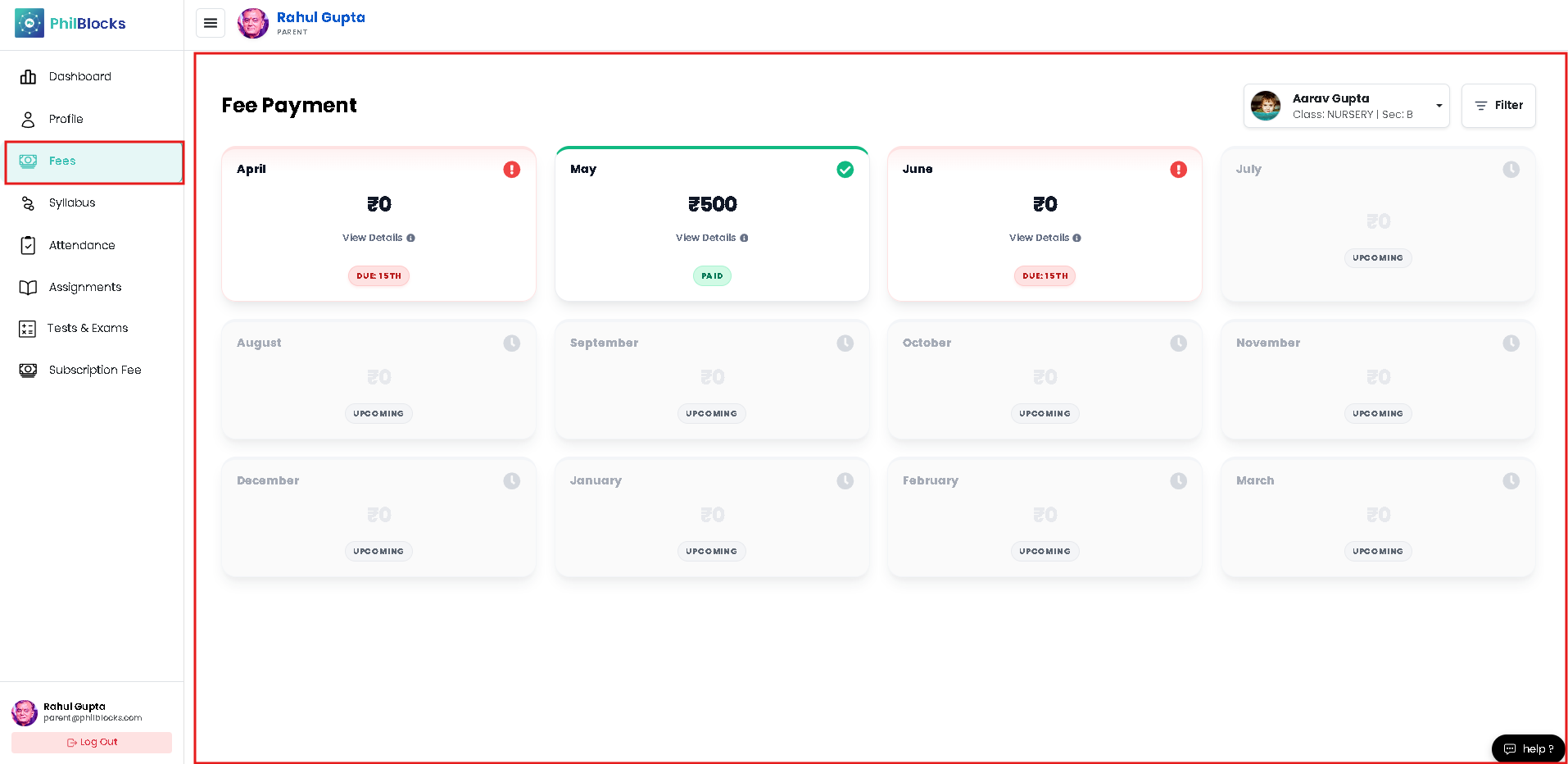
Track your fee payments and due dates with a step-by-step view.
- Open Fees from the menu.
- Review each monthly fee card to see the status:
- Paid
- Due
- Upcoming
- Click View Details on a month to see payment breakdowns and receipts.
- Look for red alerts on months where payment is overdue.
- Pay any pending fee using the payment option provided.
Fee page highlights
- Monthly fee cards with status indicators.
- Clear due dates and alerts.
- Payment history and receipt access.