Parent Profile
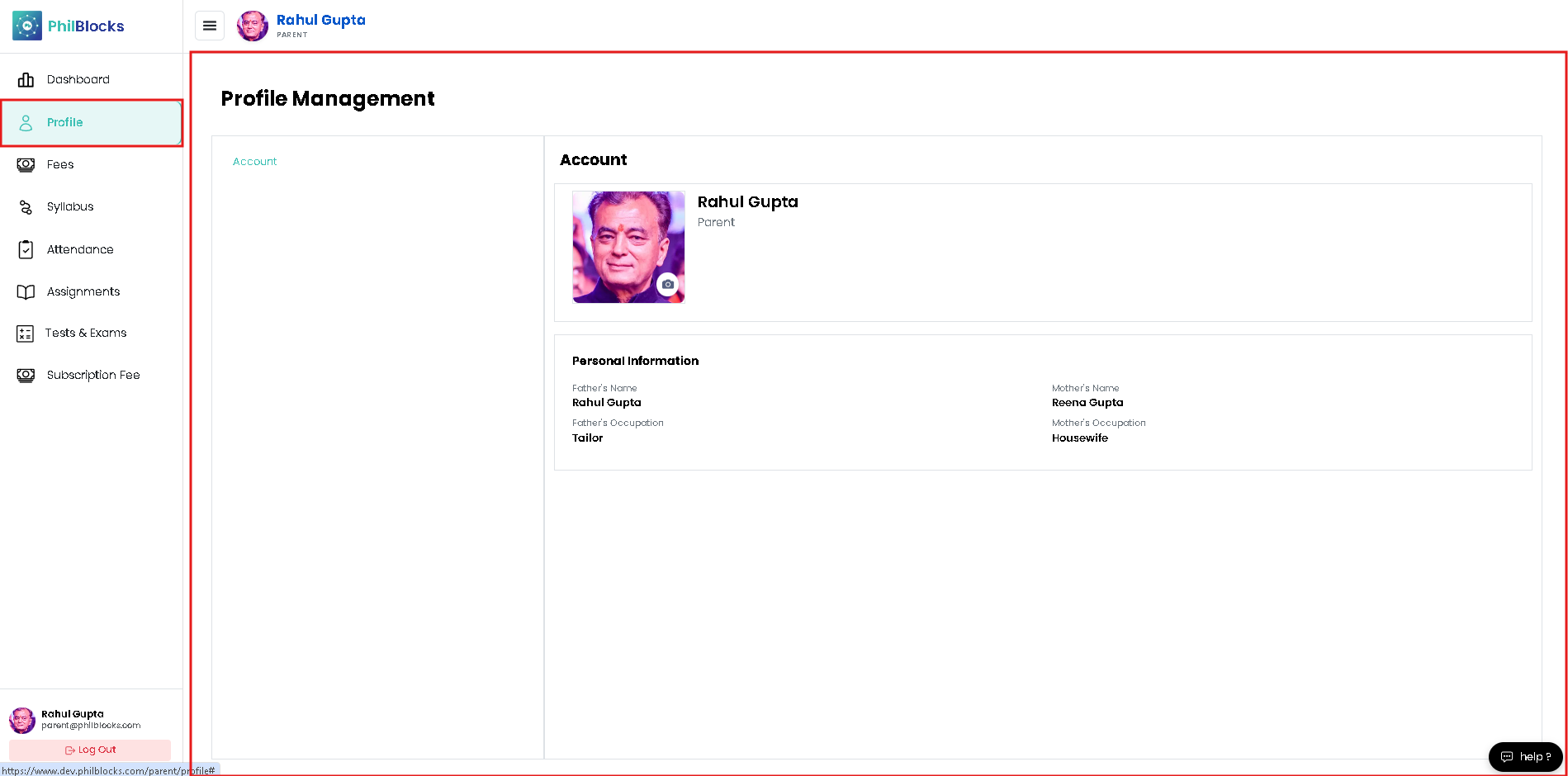
Manage your parent account and contact information in a few easy steps.
- Open Profile from the left sidebar.
- Verify your name, email, phone number, and role.
- Confirm your child’s assigned class and school details.
- Update the personal information if anything has changed.
- Save any changes so the school can contact you correctly.
Profile details include
- Parent name and role
- Email address and phone number
- Child’s school ID and class details
- Medical notes or emergency contact information